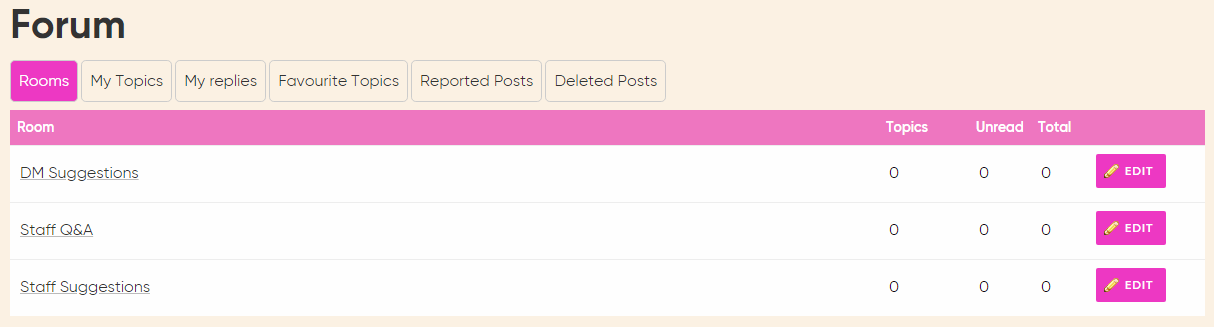
The forum is a feature that allows staff and managers to discuss topics in rooms. Each room can be restricted by level so the discussion can be private. To create a new forum discussion, got to Training > Forum and you will see the option to create a new forum room.
Then in the text box add a description of the types of discussion that should be created in this room, for example you might say - limit all discussions to questions staff are unsure about.
You can also restrict who can post replies so a room can be open to several levels but only the highest level staff can post replies.
Discussion vs Q&A
Each room can be either an open discussion room or a Q & A room. Open discussion allows for a full thread of messages back and forth between all parties in the order they were posted.
Q&A rooms will ask for an initial answer and then allow staff to post answers. Other staff can vote an answer as correct and the best answer will be shown directly below the question. All other answers are then displayed below.
Comments
0 comments
Please sign in to leave a comment.